
Event quote and management system
Let your customers plan their own event.
And manage the whole process, from quote to final payment, in one dashboard.
Set up quote templates for private and corporate events. Your customers send their date, guest count and service choices; you track quotes, approvals, the event calendar and payments on one screen.
- Calendar and payment tracking
- Templates made for your business
- Quotes with or without prices
For wedding venues, event locations and event planning companies.
Sample request
SampleEvent type
Guests
Services
Request summary
Wedding · 100 guests · Menu, Decoration
Sample interaction; it does not collect information or send a request.
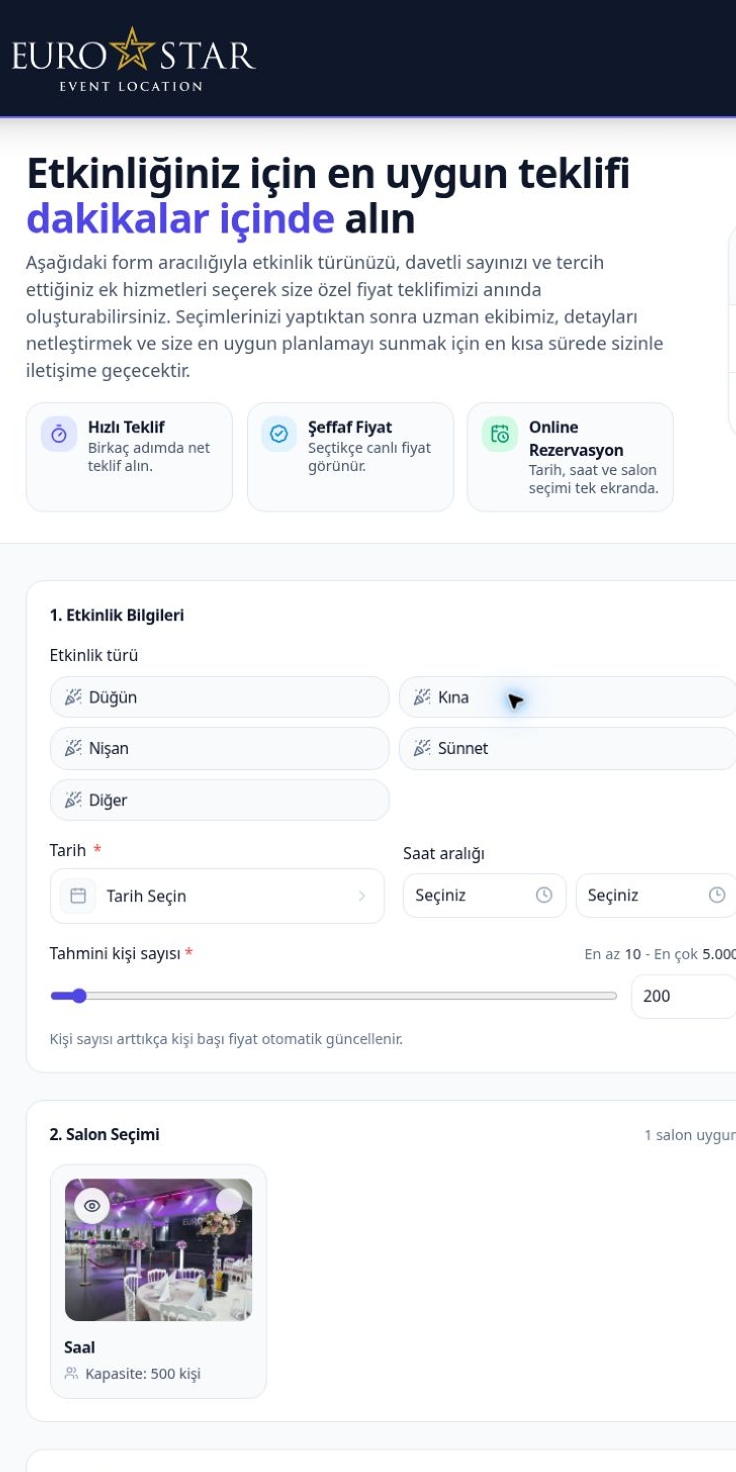
Date, guest count, menu, services… All in one request.
Your customers choose the event type, date, guest count, venue and the services they want, and send you their request.
- Event type
- Date
- Guest count
- Venue
- Menu
- Services
Know your customers’ preferences before you meet. Use your face-to-face meetings to clarify event details, special requests and the terms of your agreement.
Let customers who come from your ads set their preferences.
Point your ad link to your Eventix page. Your customers browse your venues, packages and services with photos and videos, then send you their date, guest count and service choices.
- With prices: Your customers see the price on the page as they make their choices.
- Without prices: Your customers send their preferences; you reply to incoming requests from your dashboard.
Track the day’s incoming requests in one dashboard, without writing back and forth with the same questions.
Different quote templates for different events.
Create separate templates for your private and corporate events. For each template, decide which services, packages and customer details you need, based on how your business works.
Prepare quote templates for weddings, engagements, henna nights, circumcision celebrations, birthdays and other special days. Your customers review the services and package options for their own event and choose what they want.
Private event template Sample
Event types
Sample services
Create a separate quote system for meetings, product launches, company celebrations and other corporate events. Tailor your services to what each event needs.
Corporate event template Sample
Event types
Sample services
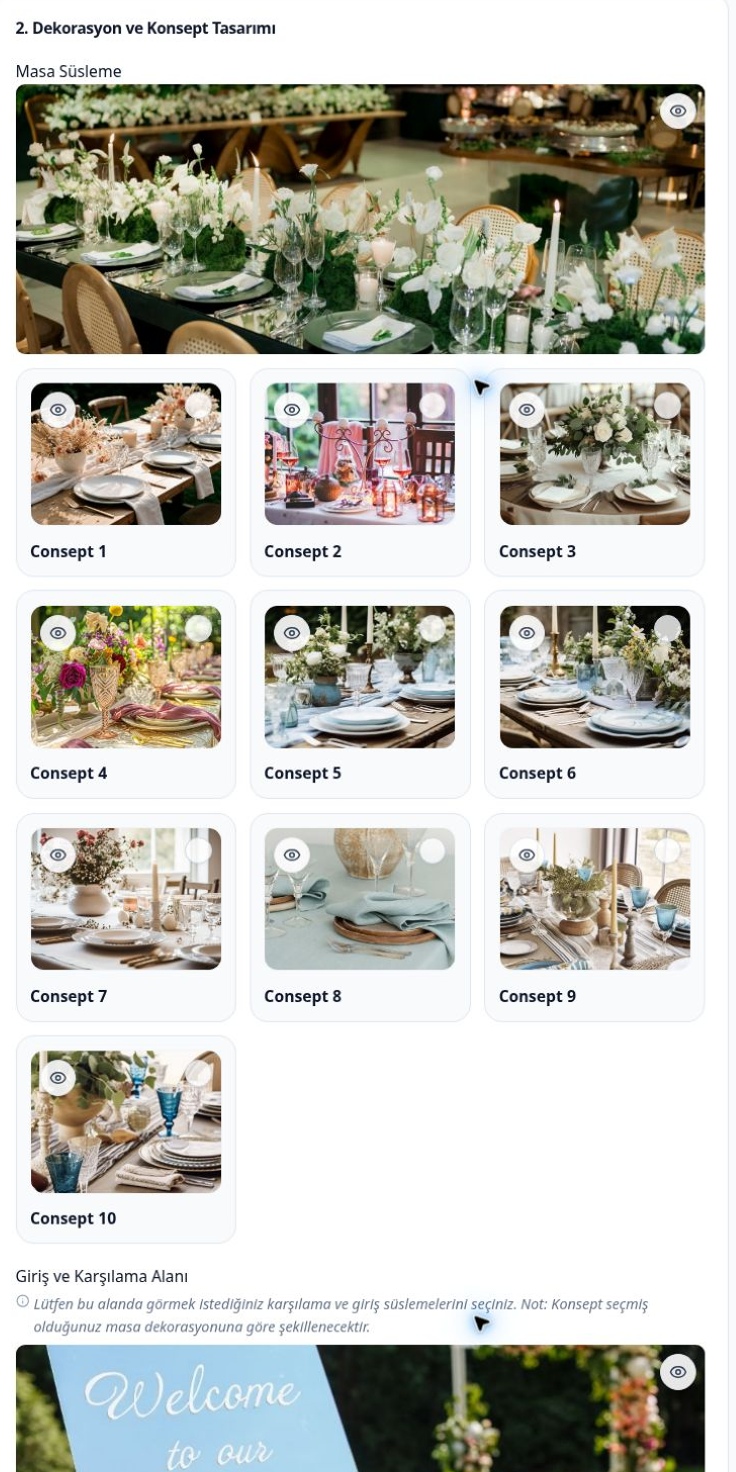
Present your venues, add your services, build your packages.
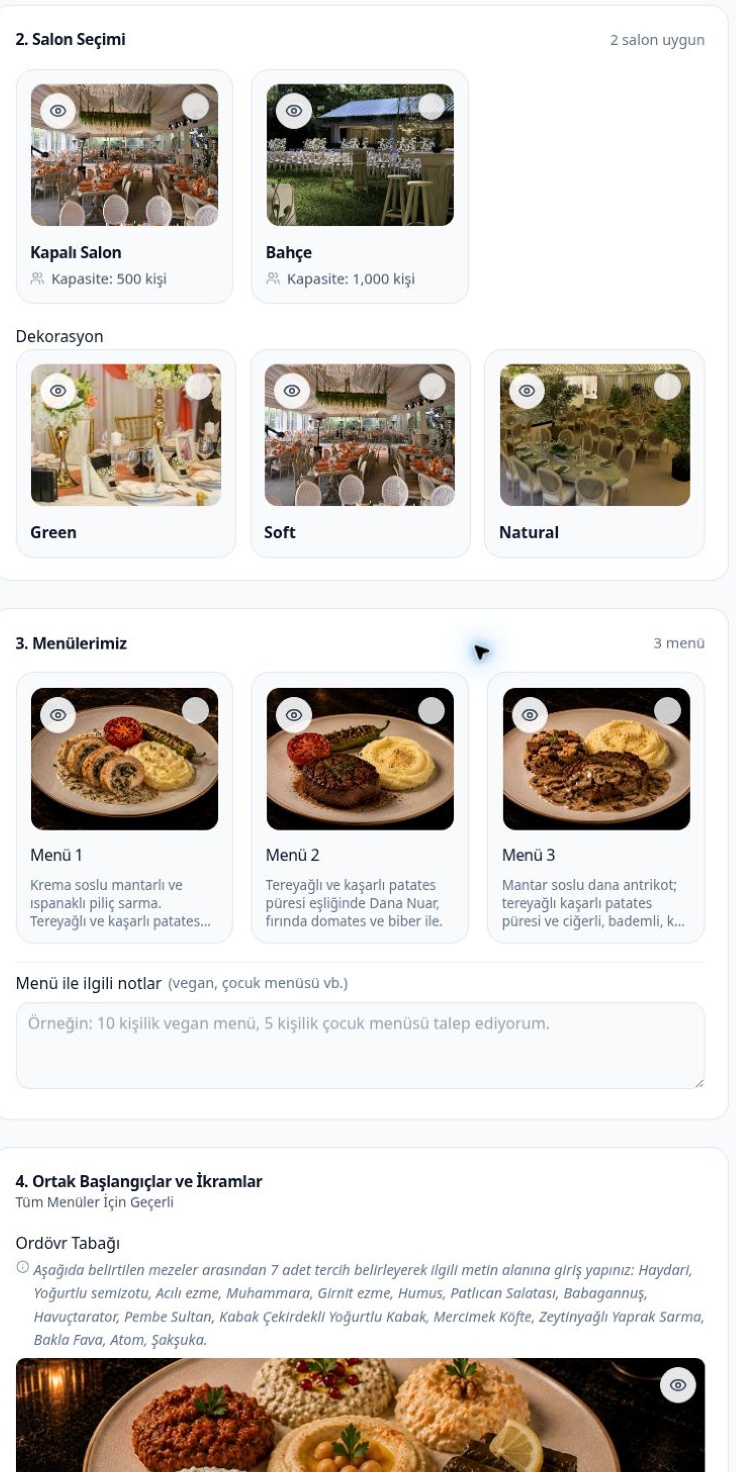
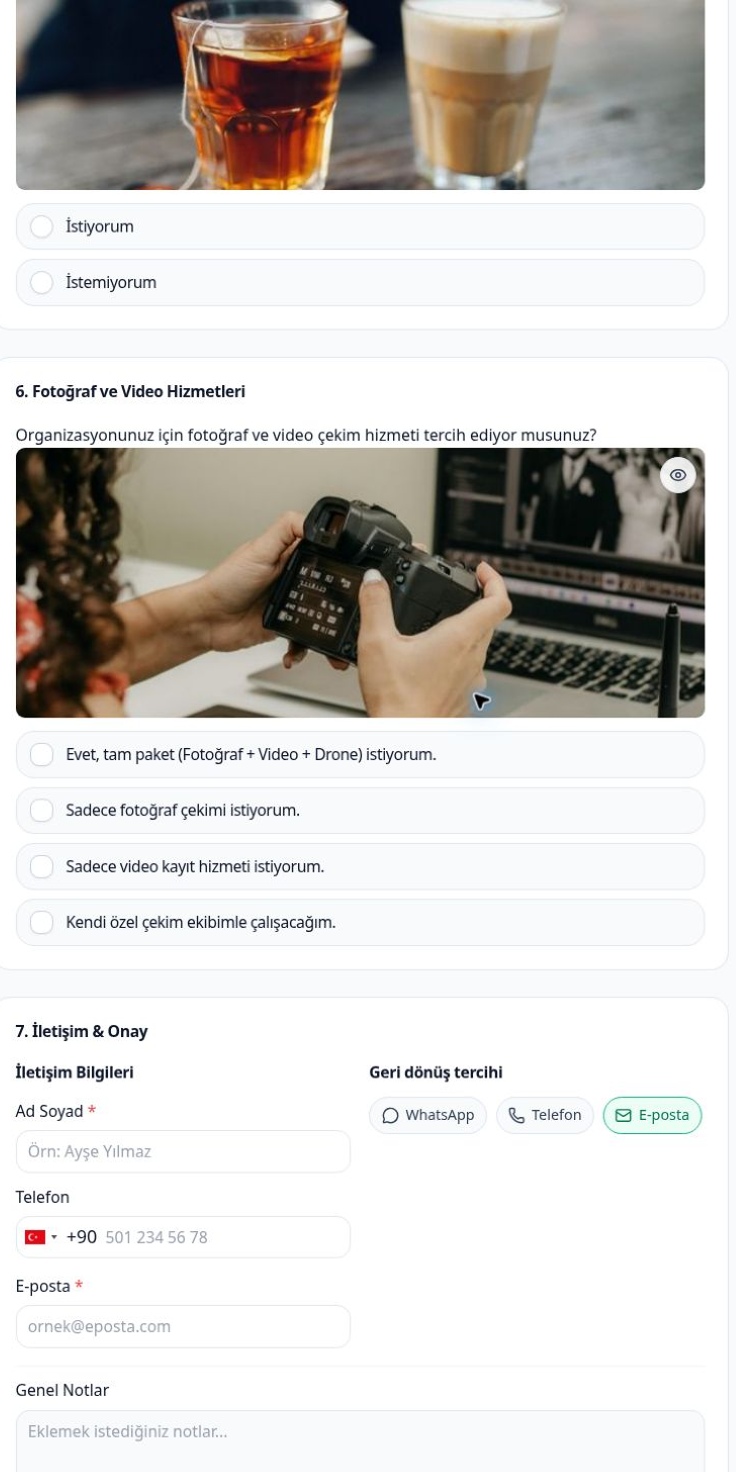
Show your halls, menus, decoration options and extra services with images. Make clear what is included in a package and what is optional.
Your customers review the options, make their choices and add their special requests.
By venue
Present your halls and spaces with their capacity and images.
By service
Add menus, decoration, music, photography and any other services your business provides.
By package
Define your ready-made packages, what they include and their extra options.
Your brand, your own domain.
Use your Eventix quote system with your own domain. Your customers browse your venues, packages and services at your brand’s address, plan their event and send their request.
-
Add a “Get a quote” link to your website
Send visitors from your existing website’s menu to your quote page. Your customers go straight to choosing their event and services.
-
Share on social media and WhatsApp
Add your quote link to your Instagram profile, share it on your social media accounts or send it to customers on WhatsApp.
-
Add it to your Linke page
Add a “Get a quote for your event” button to your Linke smart link page, so customers can reach your quote system right next to your contact details.
Build your quote system around the way your business works.
You decide whether your customers see prices.
Interactive sample
Sample
Sample price
Not a real quote.
Request summary
No price is shown.
Venue
Menu
Guests
Services
Sample interaction; it does not send a request or take a payment.
-
Quote with prices
Set your prices for guest count, venue, menu and services. Your customers see the price as they make their choices, then complete and send their preferences.
-
Custom quote on request
Your customers review your services and choose what they want without seeing prices. You assess the request and send your quote.
-
Customer approval and booking
Your customer reviews and approves your quote from the notification they receive. Handle the contract, the face-to-face meeting and the deposit in your own way.
Flow
- 1 Request
- 2 Quote
- 3 Approval
- 4 Booking
The quote is approved. Now manage everything up to the event.
With months to go, plans can change. The guest count may grow, new services may be added or some choices may be dropped.
Track service changes, updated amounts and payments in the event’s record.
Service changes
Keep track of added and removed services and changed preferences.
Payment records
Record deposits, interim and final payments received in cash or by bank transfer in the event’s record.
Deposits and balances
See payments received, the total amount and the remaining balance.
Completion
Mark the record as completed once the event and payments are done.
Your event calendar, deposits and outstanding payments on one screen.
Which events are on this week? How much was taken in deposits this month? Which bookings still have payments due?
Follow your events on the calendar and review the number of events, revenue, deposits received and outstanding payments by period.
- Mon
- Tue event scheduled
- Wed
- Thu
- Fri event scheduled
- Sat event scheduled
- Sun
- Number of events
- Revenue
- Deposits received
- Outstanding payments
Illustration only; not an actual dashboard screen.
Special dates, different prices.
Define special days and holidays for your business. Set different prices for these dates and plan with your calendar.
Manage from your computer or your phone.
Access Eventix in your browser. Review incoming requests and send your quotes; manage your event calendar and payments from your phone as well.
Your dashboard language and your customer’s language don’t have to match.
Use the dashboard in Turkish, German or English. Set the publishing language of the pages and content for your customers separately.
Dashboard language
Türkçe · Deutsch · English
Publishing language
Publishing language sample
Etkinliğinizi planlayın ve istediğiniz hizmetleri seçin.
Dashboard language and publishing language can be chosen separately.
CXR AI conversation language
Can differ from the language of the content you ask for
Ask the CXR AI specialist to prepare content in a language other than the one you are chatting in. For example, chat in English and get German service descriptions.
Businesses use Eventix around their own services.
Explore different use cases, from a quote that starts with choosing the venue to decoration and event planning services.
CXR AI AI support
An Eventix specialist for you, a brand assistant for your customers.
Get help from the Eventix specialist while you set up your quote system. Your brand assistant answers your customers’ questions using the information you share about your business.

For you
Eventix specialist
Describe your services and how you work. Get help with quote templates, package descriptions and using Eventix.
YouI want separate quote templates for weddings and corporate meetings. How should we split the services?
CXR AI · Eventix specialistLet’s first list the services you offer for each event group. Then we’ll prepare each template’s packages, options and the details you need from the customer together.
You can do the setup yourself with the specialist’s help, or leave it to our team.

For your customers
Brand assistant
Your customers get information about your venue, packages and services, and reach the page where they create a quote request right from the chat.
CustomerWe’d like to look at your wedding packages and get a quote for the services we want.
Brand assistantYou can review the packages and service options on our quote page. Choose your event date, guest count and preferences to send your request.
View services
Sample conversations.
One CXR account · Shared brand memory
Access all CXR apps with one account. Pick an app from your account and start your 7-day free trial in that app.
Business information, Logo and colors, Content you have prepared → CXR AI brand memory → Used across all CXR apps: Linke, Catalog, Menux, Eventix, Momento, Selecto.
Shared information, logo, colors and the content you prepare make setup and content preparation easier across all apps.
The brand assistant answers your customers’ questions using the business, product and service information you share.
The apps run in your browser; use them on a computer or on mobile devices.
What is Eventix?
Eventix is an event quote and management system for wedding venues, event locations and event planning companies. It collects date, guest count and service choices from customers and lets you follow quotes, approvals, the event calendar and payments in one dashboard.
Start with your own quote system
Add your venues, services and packages, and explore Eventix by using it for your business. No credit card required.
Paid yearly
monthly equivalent €6.67/ month
€80 per year in one payment €100
All Eventix features included
Try free for 7 daysPrices include VAT.
When you open your account, 100 free CXR AI credits are added. As long as you have an active trial or subscription in a CXR app, your balance is topped up to 20 credits every day. Share your credits across all CXR apps, the Eventix specialist and your brand assistant. Product subscriptions are separate.
Leave the setup to our team
You can set up Eventix yourself with the help of the Eventix specialist. If you prefer, leave the preparation of your venues, services, packages and quote templates to our team.
We clarify the scope and price of the setup with you, based on your request.
The setup service is optional and separate from the subscription fee. You can add it when you purchase your subscription or later.
Getting started is easy
-
01
Sign up for free.
Start your 7-day free Eventix trial with one CXR account.
-
02
Set up your quote system.
Add your venues, services and packages. Get help from the Eventix specialist.
-
03
Share it and receive requests.
Share your quote link on your website, on social media and on WhatsApp; manage incoming requests from your dashboard.
Discover other CXR applications
Access the other apps with your single account. Each app is priced separately and is not included in the Eventix subscription.
Blog and Guides
Guides on event quotes, choosing ready-made software and making it easy for customers to reach you.
-
 Photography and events
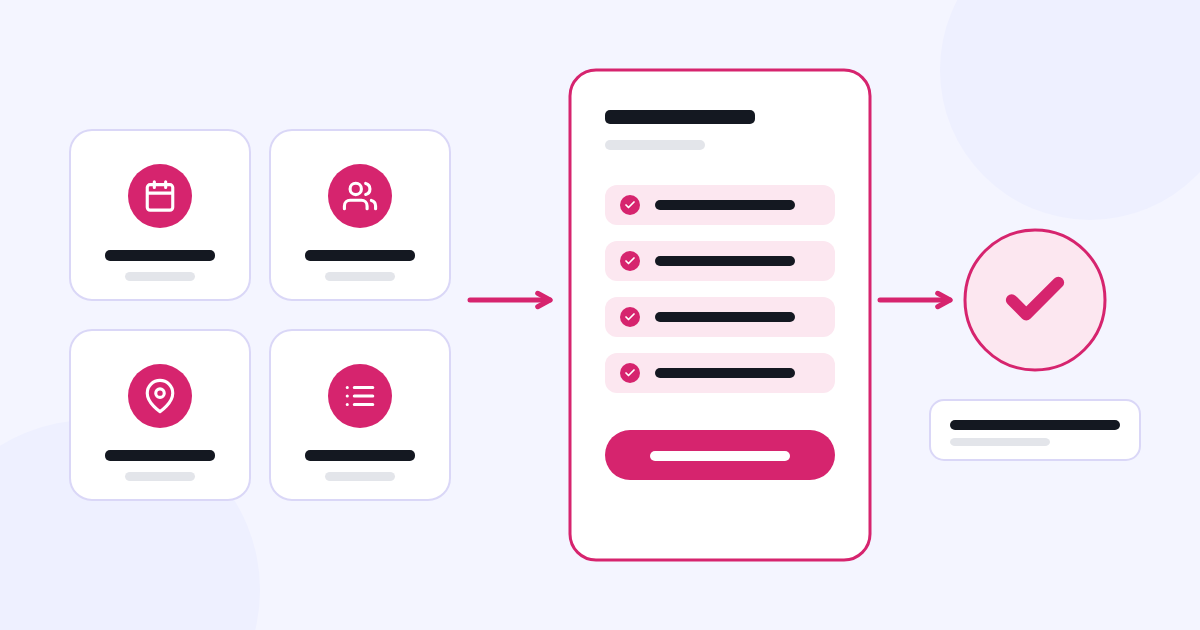
What information should you collect from the customer when preparing an event quote?
Clarify event requests from the start to organize the quote and follow-up process.
-
 Software and AI
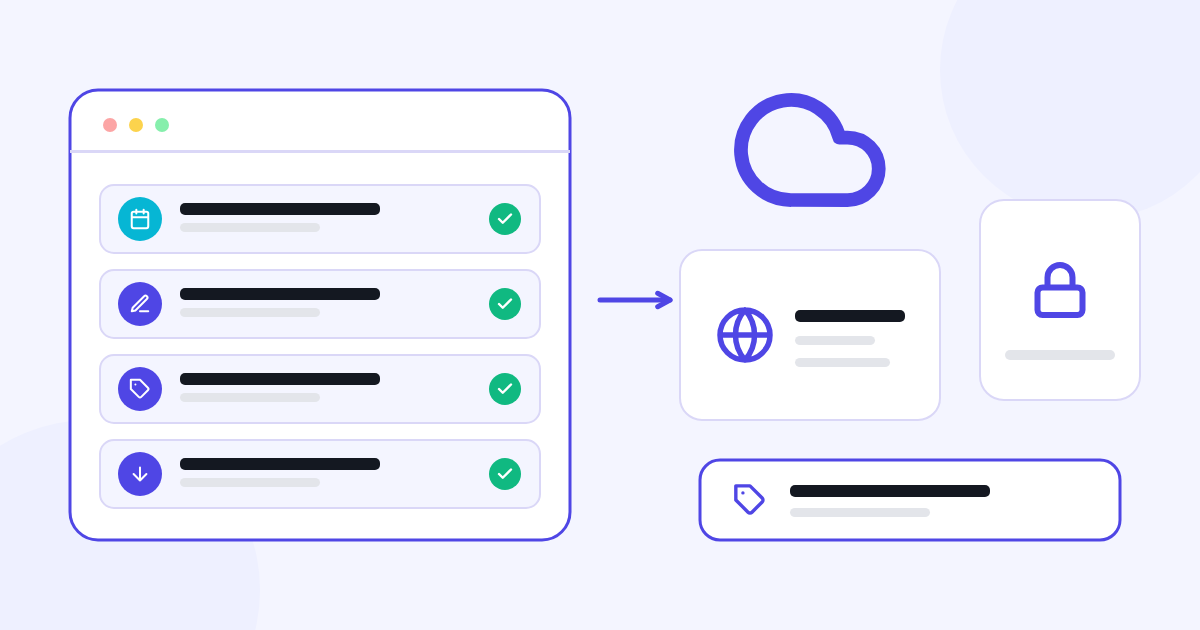
What do SaaS tools offer businesses? What should you check before you start?
Before starting with ready-made software, evaluate your workflow, the scope and the terms of use.
-
 Digital transformation
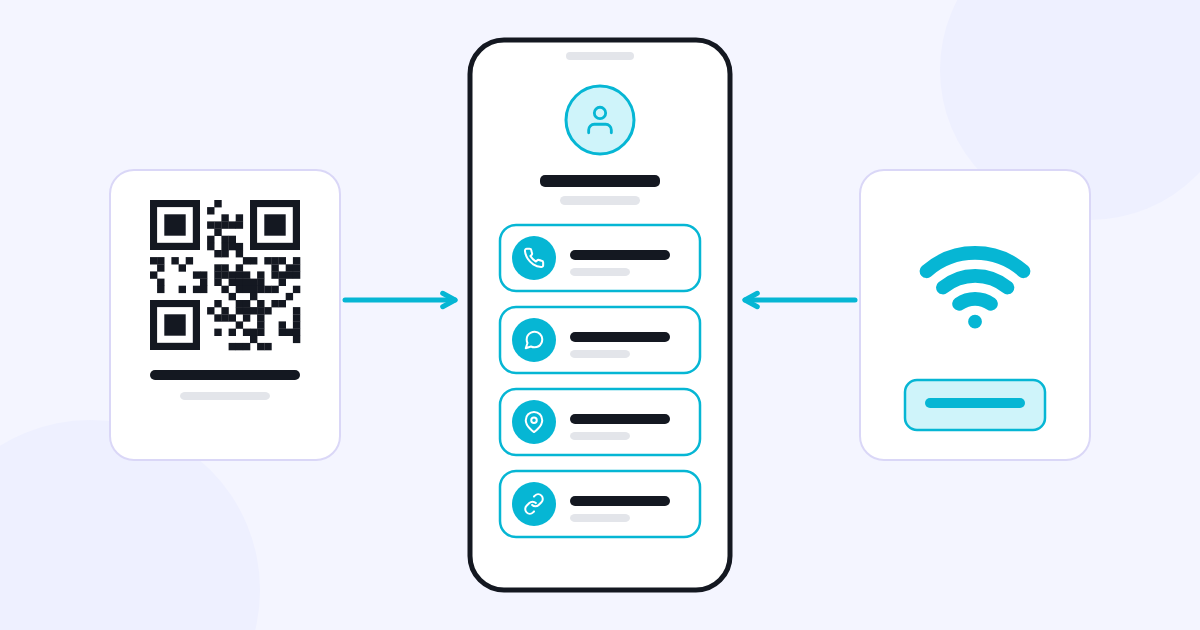
What is a smart link? How do you bring business links together on one page?
Bring the contact details and links your customers look for together on a single page.
Frequently asked questions
Who is Eventix for?
For wedding and banquet halls, garden venues, hotel event departments, meeting and conference venues, and event planning companies. You can set up your quote system around your own venues and services.
Can I create separate templates for private and corporate events?
Yes. You can prepare separate templates for the two event groups and define the services, packages and details you ask for in each one.
Can I use my own domain?
Yes. You can use your Eventix quote system with your own domain and link to your quote page from your existing website.
Do I have to show my prices?
No. You can show customers the price as they make their choices, or collect their requests without showing prices and send a custom quote.
Can I add my own packages and services?
Yes. You can create your ready-made packages and define what they include and which services are optional.
Can I use it on my phone?
Yes. Log in from your phone’s browser to manage your requests, quotes, events and payments. No app download needed.
Can the dashboard language differ from the publishing language?
Yes. You can set the language you use in the dashboard and the language of the content your customers see separately. The language you chat with CXR AI in can also differ from the language of the content you ask it to prepare.
Does the process end once the customer approves the quote?
No. After the contract and booking steps, you can track service changes, deposits and outstanding payments right up to the event.
Can I track the payments I receive from my customers?
Yes. You can record deposits, interim and final payments received in cash or by bank transfer in the event’s record, and see the total amount, payments received and the remaining balance. The terms, cancellation and refund of your sales to your customers are governed by your own terms of sale.
Can I set different prices for special dates?
Yes. You can set different prices for special days and holidays defined by your business.
Does CXR AI help me or my customers?
Both. The Eventix specialist helps you during setup and use. The brand assistant answers your customers’ questions and points them to your quote page, drawing on the shared brand memory in your single CXR account — that is, the business, venue, package and service information you share.
Can I do the setup myself?
Yes. You can set up your quote system yourself with the help of the Eventix specialist. The setup service is optional and separate from the subscription fee. You can add it when you purchase your subscription or later. We clarify the scope and price of the setup with you, based on your request.
How does the free trial work?
You start by filling in a short sign-up form. For 7 days you can try all Eventix features without restrictions. No credit card required. After the trial, you can choose yearly or monthly payment to keep using Eventix.
What is the difference between yearly and monthly payment?
All Eventix features are included in both. With yearly payment, you are billed once a year; the monthly equivalent is €6.67. With monthly payment, you pay €20 each month.
How do I pay for Eventix?
The Eventix subscription and the optional setup fee are paid to CXR. Before you buy, the relevant service provider and the available payment methods are shown; methods can vary by account and transaction type. The English-language service is provided by Visual Memory Works GmbH, and payments are processed through Stripe. No credit card is required for the 7-day free trial.
How do CXR AI credits work?
When you open your account, 100 free CXR AI credits are added. As long as you have an active trial or subscription in a CXR app, your balance is topped up to 20 credits every day. These credits are shared across all CXR apps, your Eventix specialist and your brand assistant. Credit usage rules and extra credit terms are explained separately before you use the relevant service.
Can I use other CXR apps with the same account?
Yes. You can access all CXR apps with your single account. Each app is priced according to its own subscription or usage plan; the other apps are not included in the Eventix subscription.
What happens if I cancel my subscription?
Cancelling stops renewal for the next period. You can send cancellation, withdrawal and refund requests through the Support section or at support@cxr.app; a refund must be requested separately. Provisions on your statutory rights are reserved; details are in the Subscription, Renewal, Cancellation and Refund Policy under Legal information. This applies to the Eventix subscription: the setup service is separate from the subscription, and the cancellation and refund of your own sales to your customers are governed by your own terms of sale.
If I’m not satisfied, can I get a refund?
Yes. Our satisfaction refund approach applies to all Linke, Catalog, Menux, Eventix, Momento and Selecto subscriptions. If you are not satisfied with your subscription, you can submit your refund request in the Support section or at support@cxr.app; refund requests due to dissatisfaction are accepted.
Follow your next event from the very first request.
Prepare your quote templates and receive your customers’ preferences; manage your events and payments in one dashboard.